Backup Time Machine to the cloud
Get added protection for your Mac data with automated Time Machine backups
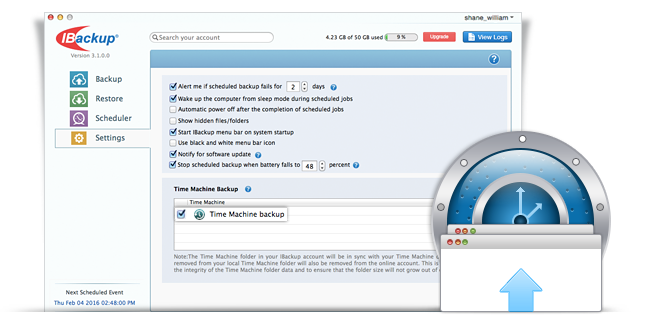
IBackup facilitates direct backups of the Time Machine data to your account. This provides additional protection to your Mac, including system files, applications, accounts, preferences, music, photos, movies, and documents.
You can recover all your Mac data directly by restoring the Time Machine folder from your IBackup account. For huge data transfers, you can also choose to request for physical storage shipment of your Time Machine data using our IBackup Express service.
Note: The Time Machine folder in your IBackup account will be in sync with your Time Machine data. This means, data removed from your local Time Machine folder will also be removed from the online account. This is necessary to maintain the integrity of the Time Machine folder data and to insure that the folder size will not grow out of control.